CONSTRUCTIONS

A construction is a geometric drawing for which only a compass and a straightedge may be used.
There are many excellent construction instructions and illustrations here:

http://www.zefdamen.nl/CropCircles/Constructions/Constructions_en.htm

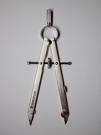
compass a compass:
for making circles;
for transferring the distance
between two existing points
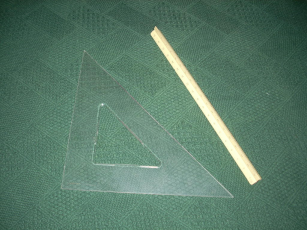
compass ruler/straightedge:
used for drawing a line between two existing points;
no distance markings will be used;
no measurements are allowed

GeoGebra can be used to ‘simulate’ a construction, by using only the circle and segment tools.
The ‘circle’ tool simulates the use of a compass; the ‘segment’ tool simulates the use of a straightedge.

COPYING A LINE SEGMENT and AN ANGLE

Here's a worksheet to get you started using GeoGebra for doing ‘pseudo-constructions’ (it opens in a new window):

GeoGebra Worksheet: copying a line segment and an angle

It walks you, step-by-step, through the process of copying a line segment, and copying an angle.
The worksheet assumes a level of familiarity with GeoGebra equivalent to what you would have
after going through these earlier tutorials and worksheets (which all open in a new window):

BISECTING AN ANGLE

For comparison purposes, you may want to ‘bisect an angle’ using both a hand construction and GeoGebra (both links open in a new window):

After you've done both GeoGebra worksheets on this page, move on to:

Introduction to the Two-Column Proof